You're about to hand us your email address, so you should know exactly what comes back. This page is every message we can send, in order, with the words we use, plus what "the moment it's back" means in minutes. No surprises is the whole idea.
The rule
One email per thing that happened. A restock is one email. A price drop, if you asked for those, is one email. That's the complete list. There are no newsletters, no weekly digests, no "still interested?" nudges, no app to install and no account to make. If you never hear from us, it's because nothing happened to the product you picked.
Message 1: the confirmation
Leave your email on a product page and one message arrives with the subject "Confirm your alert for [product]" and a single button, "Confirm my alert". Nothing is sent until you click it. If you don't, you never hear from us again, and the address is not used for anything.
This is the step that stops someone signing you up as a prank, and it's why every alert here is one you asked for twice.
Message 2: the restock
When the product goes from sold out to in stock online, you get:
- Subject: "Back in stock: [product] at Best Buy"
- First line: the price the store showed, and, once we've logged earlier restocks, which number this one is ("That's the 4th restock we've logged").
- One button: "See it on our product page", which opens our page with the link to the store. We send you through our page so you can see the live status first; if the restock sold out in the time it took to open the email, you'll see that before you click through.
- Footer: one line on why you got the email, a one-click unsubscribe, the disclosure and our postal address.
If a product opens pre-orders instead of shipping stock, the subject says "Pre-orders open" and the email explains that ordering holds your place. We email again when it's actually shipping.
Message 3: the store email
If you set a near-me alert, a store restock arrives differently, because what you need is different:
- Subject: "On the shelf near you: [product] at [store]"
- First line: the store, how far it is, and the online price for reference.
- One button: that store's pickup link. A pickup order holds one for you; the email says so, and suggests calling ahead if you'd rather not order, because store counts can lag the shelf.
- If several stores flipped at once, one email lists all of them. You won't get three messages in a minute about the same thing.
The near-me page is where these are set, and our store pickup guide explains the shelves behind them.
Message 4: the price drop
Only if you ticked "also on price drops":
- Subject: "Price drop: [product] now [price] at Best Buy"
- First line: the old price and the new one, and confirmation that it's in stock.
- One button: our product page, as above.
A cent-level wobble doesn't count as a drop and doesn't send anything.
How fast is it?
The email leaves the moment we see a product flip to in stock. There is no batching and no daily send; a restock at 6 a.m. on a Tuesday goes out at 6 a.m. on a Tuesday. If the restock sells out again before you open the email, our product page shows that first, so you aren't sent to an empty shelf.
What we won't do is quote a number. We don't have enough alerts behind us yet to give an honest average from the shelf changing to your phone buzzing, and a made-up one would be worse than none. Every product page shows when we last looked, which is the fact you can check for yourself.
What the email can't do is check out for you. The people who get the console are the ones who already signed in to the store with payment saved. Our guide to getting Best Buy restock alerts that arrive in time is the routine around the email.
Leaving
Every email has a one-click unsubscribe that works immediately, and most mail apps show the same link at the top of the message. Unsubscribing deletes the alert. We keep your address encrypted, use it for nothing but the alerts you set, and never sell or share it; the privacy policy has the details.
Try it on something
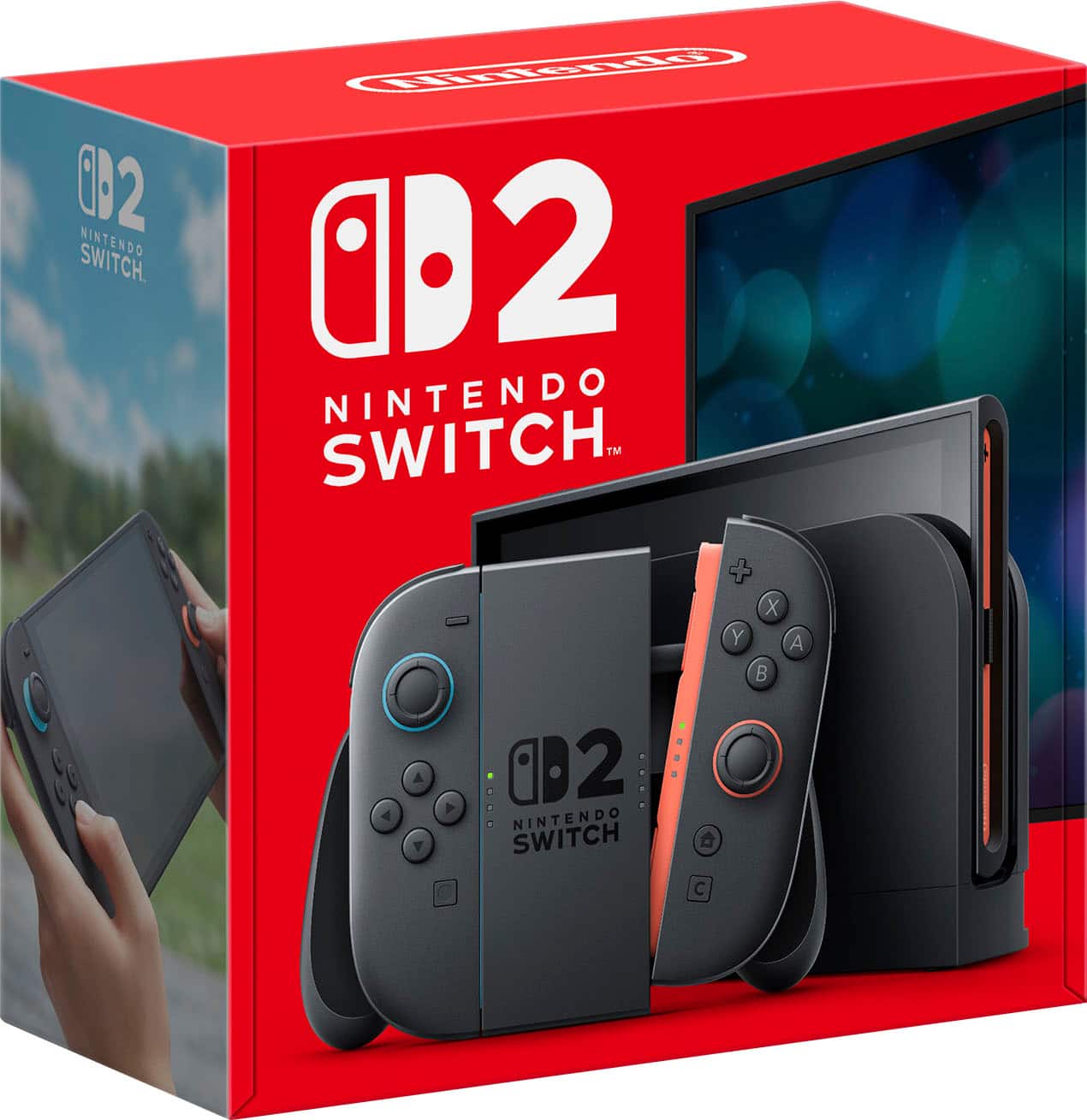
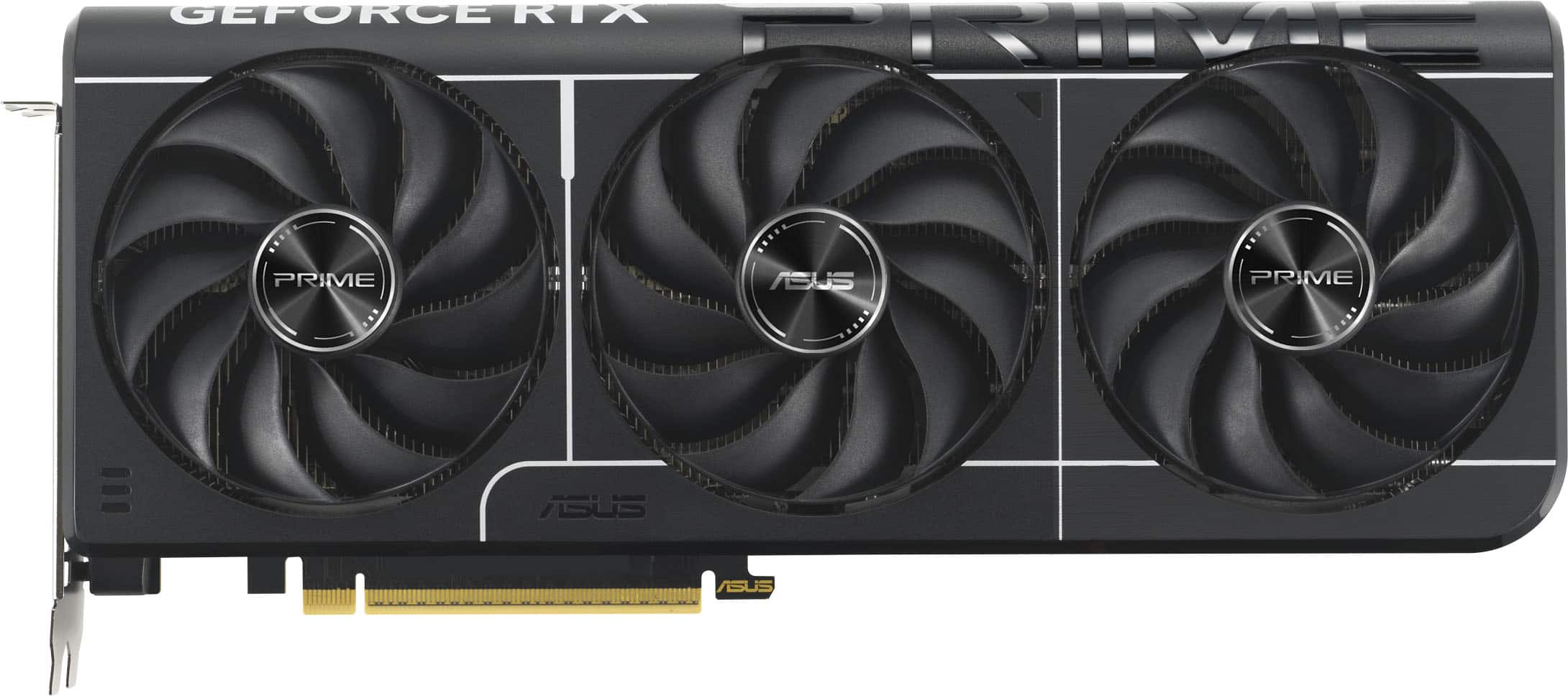
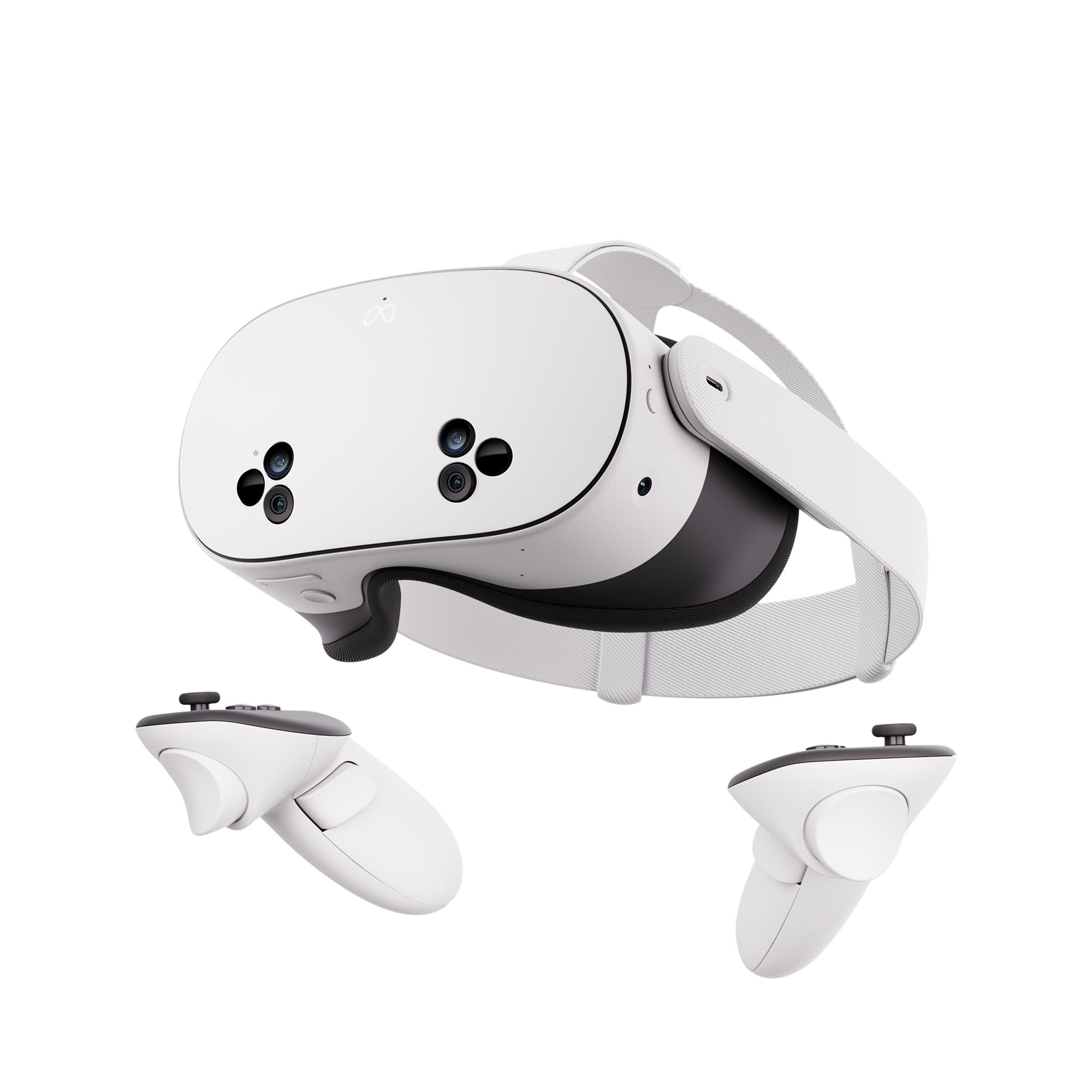
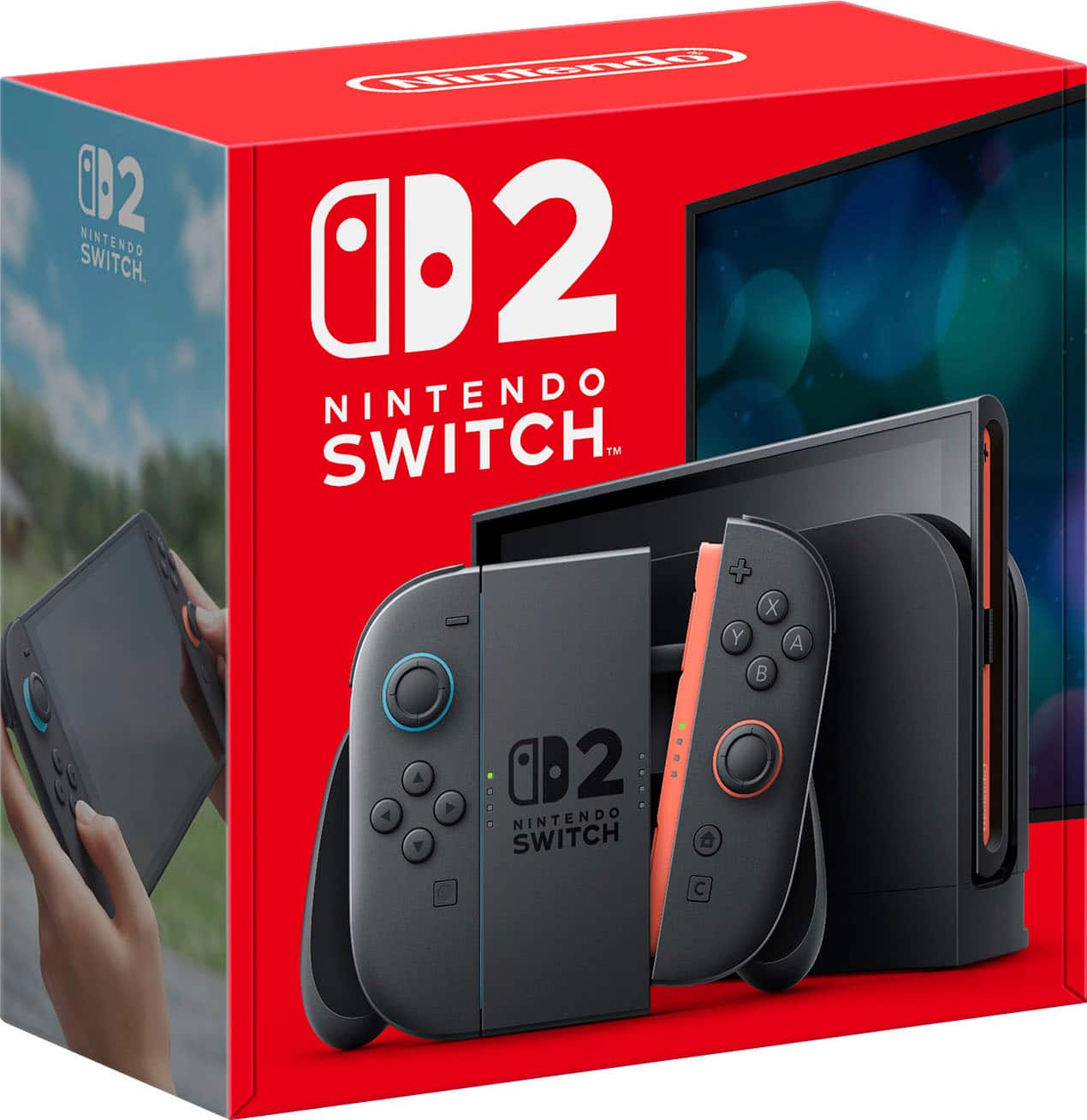
The Switch 2 is the alert most people set first; the ASUS Prime RTX 5070 Ti is the one where minutes matter most; the Quest 3S is the one to try with "also on price drops". And what the statuses mean covers how to read the page the email sends you to.
Affiliate links. As an Amazon Associate we earn from qualifying purchases.