A restock alert is only useful if it lands while the thing is still in the cart. That sounds obvious, and it is where most alerts fail. Here is why the store's own button tends to disappoint, what a good alert actually needs, and exactly what ours does, so you can decide whether to trust it with your inbox.
Why "notify me" is often late
Best Buy's product pages have a button that promises an email when an item is back. People press it, and the complaint you'll read everywhere is the same: the email arrives, they click, it's gone. We can't see inside the store's systems, so we won't claim to know why. The pattern people describe is that the notice goes out after the listing has been live for a while, and for a console or a graphics card a while is the whole window.
There's a second problem. The button is one product at a time, on one site, and it tells you nothing about the store across town that got six in the morning delivery.
So the question isn't "notify me or not". Press it; it costs nothing. The question is what else you need so that you're not relying on it.
What a good alert needs
- Frequent checks. A listing that flips at 9:04 and sells out by 9:12 is gone before a slow checker notices.
- Speed between the check and your phone. The email should leave the moment the flip is seen, not on the next batch.
- One message, with the link. Not a digest, not a newsletter, not a nudge to open an app. The product, the price, the link.
- Stores too. Online stock is the race everyone runs. Store stock is the one almost nobody checks.
- Nothing else, ever. If an alert service also sends "deals you might like", you'll stop opening it, and then you'll miss the one that mattered.
What you get instead
One email the moment a product we track comes back in stock online, with the price the store showed and the link. Every product page shows when we last looked, so you always know how old a status is, and when we aren't sure the page says "couldn't verify" rather than guessing. Our guide to what the statuses mean covers how to read all of it.
For Best Buy, we also watch the shelves. Tell the near-me page your ZIP and a product, and it shows which Best Buy stores around you say they have it, how far they are, and how long ago they said so. A near-me alert emails you when a store inside your chosen radius gets one.
What the email looks like
Honest preview, because you're about to give us your address:
- First, a confirmation. One email with a "Confirm my alert" button. Nothing is sent until you click it. If you don't, you never hear from us again.
- Then, the alert. The subject line is "Back in stock: [product] at Best Buy". The body says the price the store showed and, if we've logged earlier restocks, which number this one is. One button opens our product page, which carries the link to the store.
- A store alert reads differently. The subject is "On the shelf near you", the first line names the store and the distance, and the button leads to that store's pickup link. If several nearby stores flipped at once, one email lists them all.
- Price drops are optional. Tick "also on price drops" and you get the same single email when the price falls, with the old and new numbers.
- Unsubscribe is one click, in every email, and it works immediately.
That's the whole relationship. No digests, no "still interested?", no app.
Set it up in two minutes
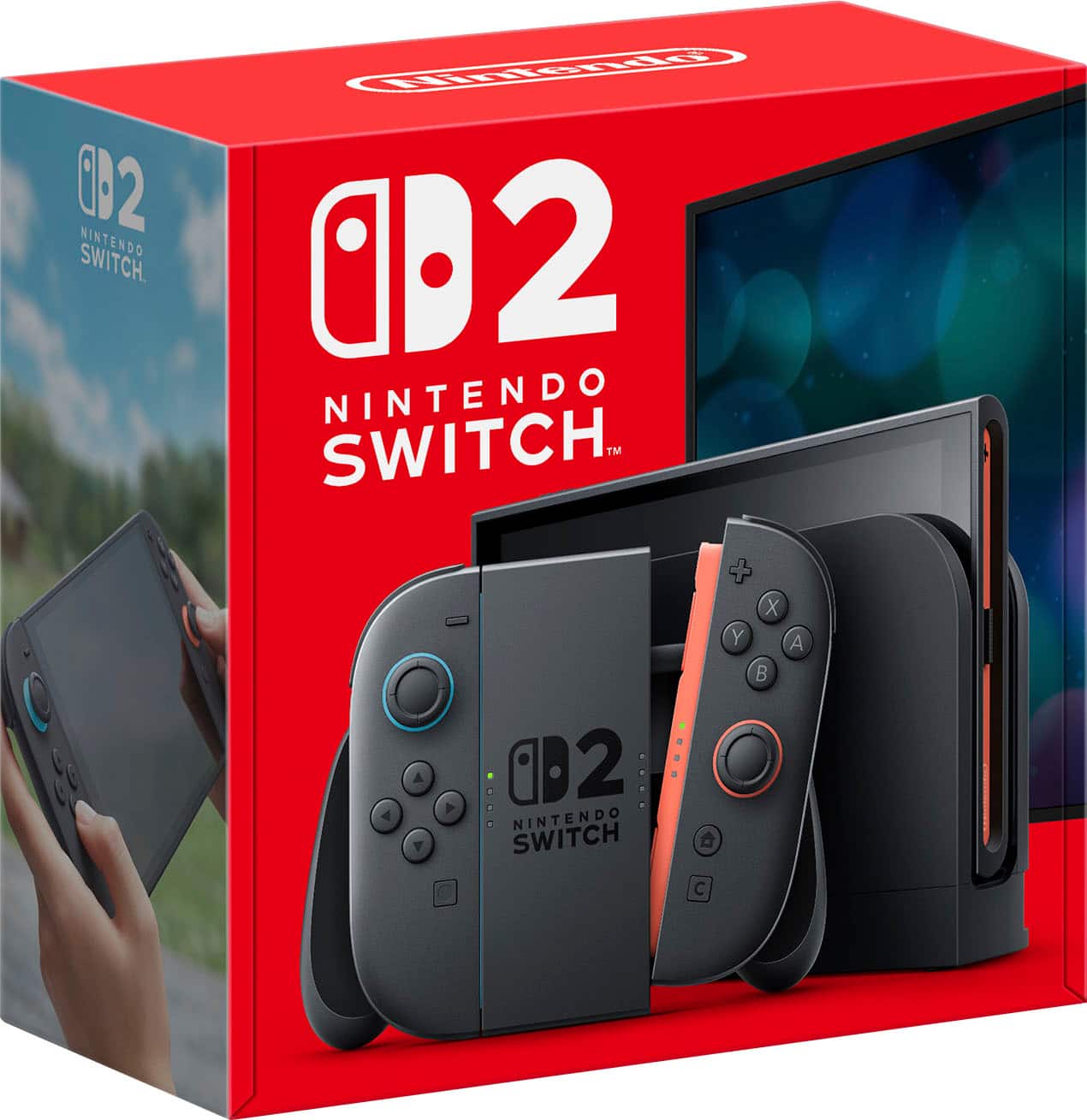
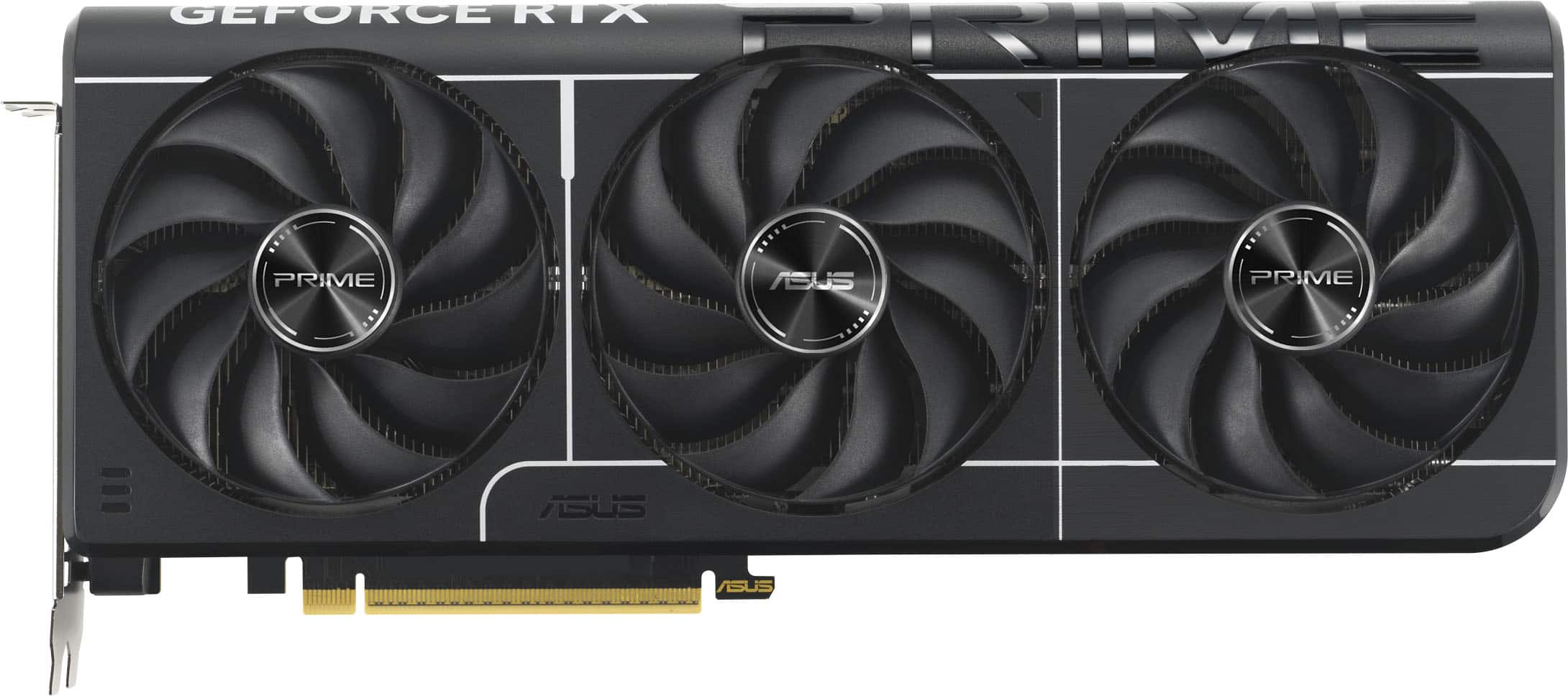
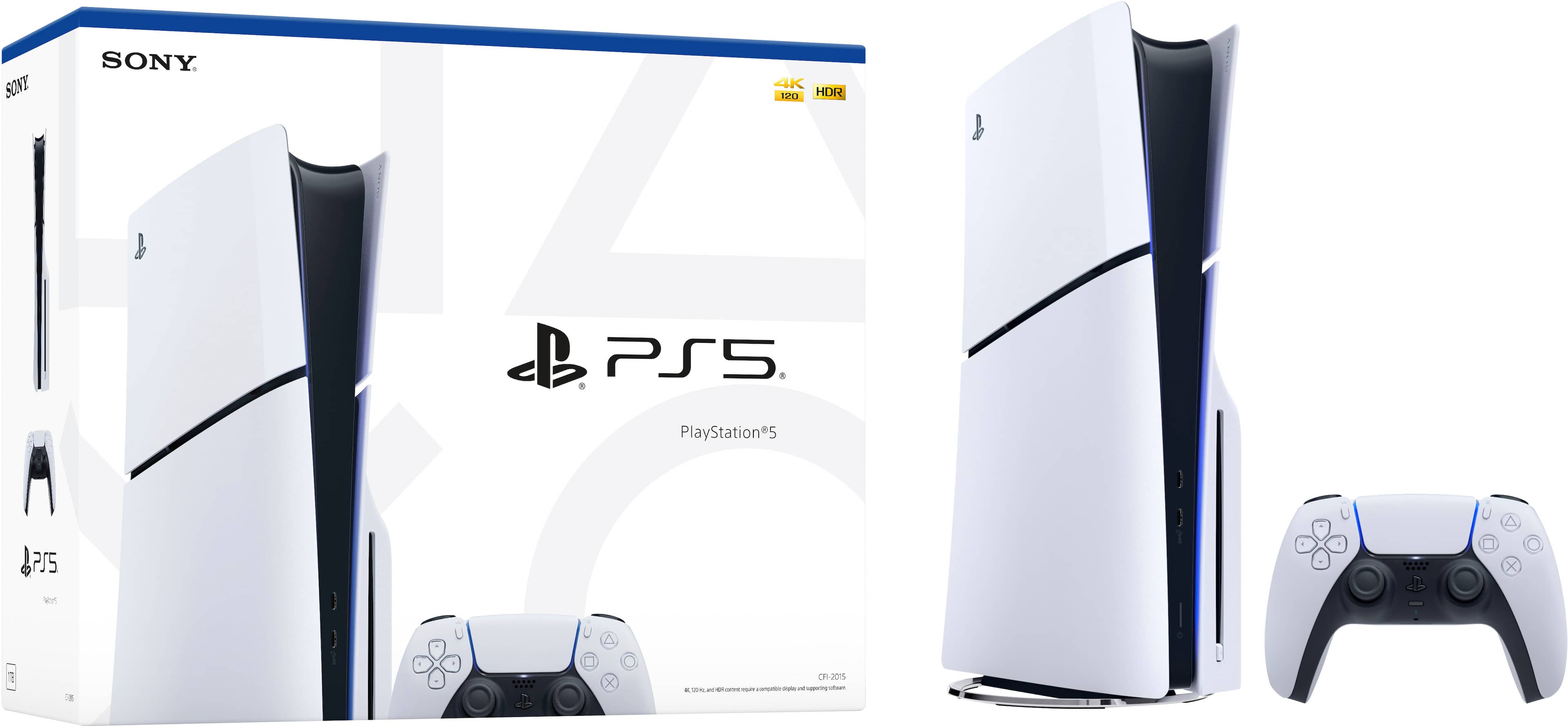
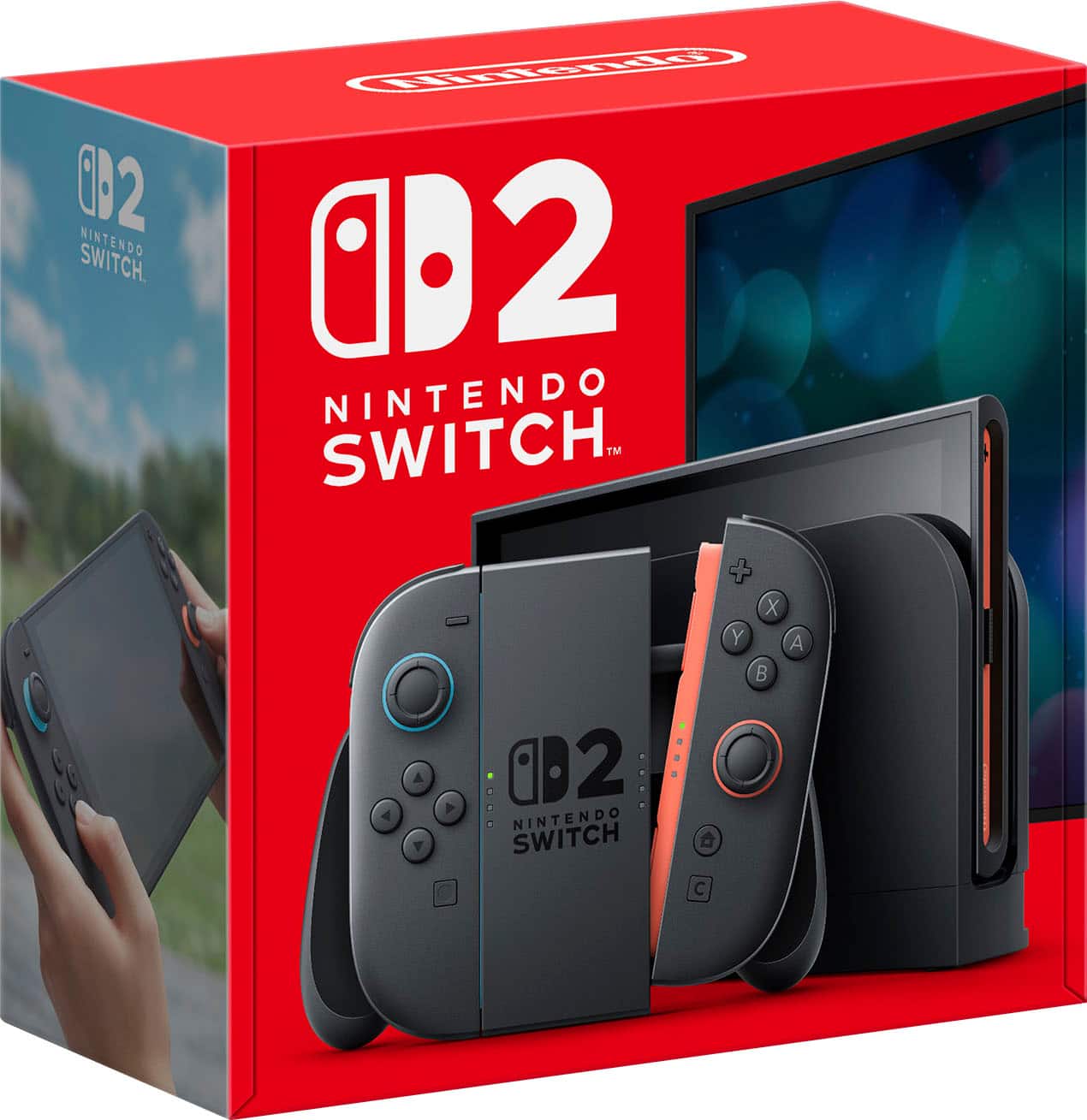
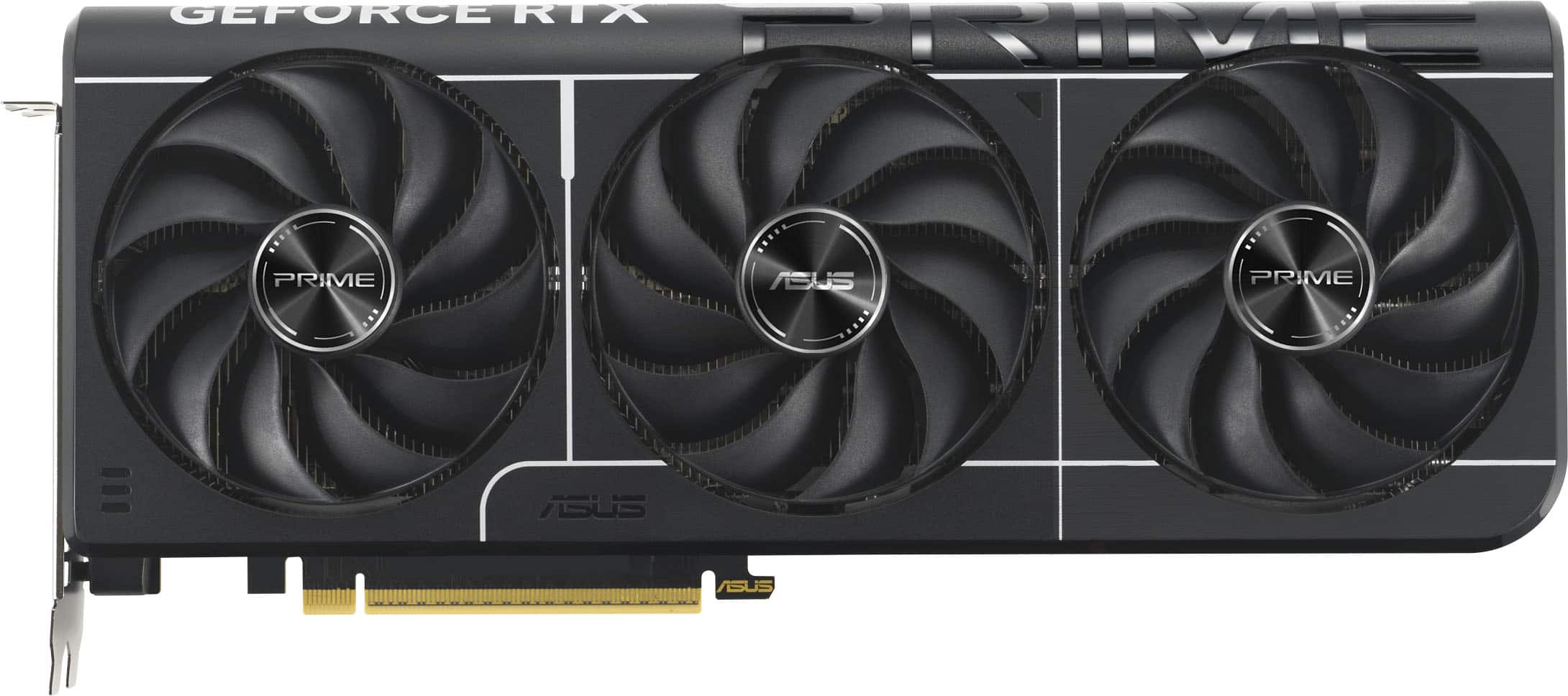
- Open the product page. For a console, the Switch 2 or the PS5 Slim; for a card, something like the ASUS Prime RTX 5070 Ti.
- Leave your email, click confirm in the message we send.
- Sign in to Best Buy now, with your address and payment saved. The alert buys you the first minute; checkout is yours to lose.
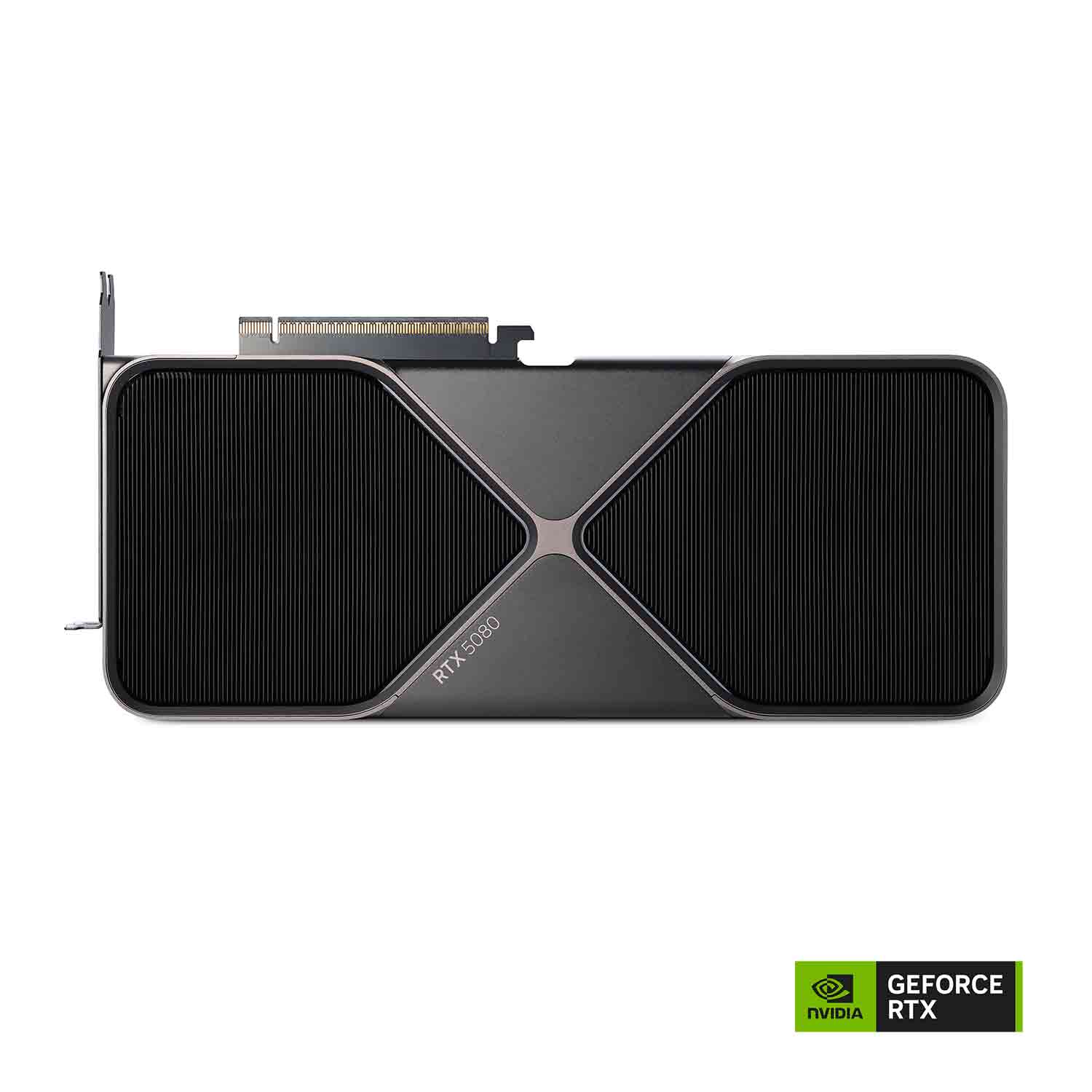
- Set a second alert on a sibling product. The RTX 5080 Founders Edition and its partner-card cousins rarely come back on the same day, so two alerts means two chances.
- If you'd rather pick one up, set a near-me alert as well.
When alerts beat timing
People ask us when Best Buy restocks, and we've written up what we know about that, including a graphics-card edition. The short answer is that habits exist and schedules don't. An alert doesn't care. It works at 6 a.m. on a Tuesday and at 11 p.m. on a holiday, which is why it's the part of this that matters.
Affiliate links. As an Amazon Associate we earn from qualifying purchases.